
Start main page content

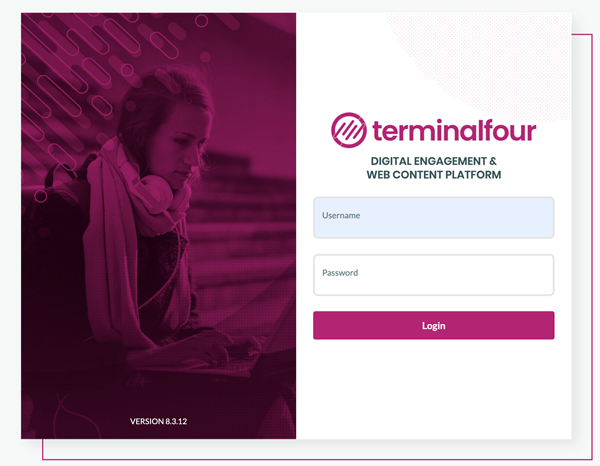
login screen for terminal four sitemanager platformHow to Login

  • Prior to signing in, a TerminalFour SiteManager account must be created for you.
  • Open a web browser. Go to https://t4.wits.ac.za/ and you will be presented with the following screen.
  • Enter your username (your staff number) and password; then click Login.
  • Remember, your SiteManager account credentials are tied to your Wits University email account, so if you change your Wits password, that will also change your password to login to SiteManager.


Applying for a domain Direct your inquiries about the domain names to ICT.
Wits ICT APP Wits Mobile is the official student mobile app for the University of Witwatersrand.
External hosting is when a website is run on a server managed and owned by another company.

Website Governance

This Policy governs the use of the University’s website (wits.ac.za) and the registration of any additional domain names. The University’s presence on the World Wide Web is essential to its mission of teaching and learning, research and student support.